Aspire Customer Support

There are a number of convenient ways to raise new incidents and requests.

We recommend using the Aspire Portal when possible as the platform allows you track and manage your requests.
 

Helpful tip:

When logging a ticket, please include: site location, a clear description of the incident or request, and, impact of the problem.

You will receive updates about your request via email and can live chat with a support engineer through Microsoft Teams.


About the Aspire Portal

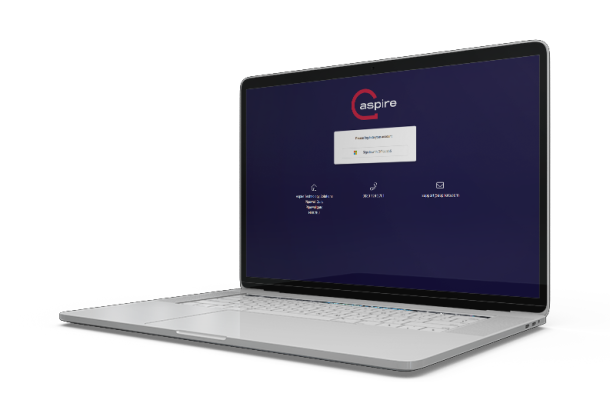
The Aspire Customer Portal is your central hub to log and manage tickets.

Getting Started:
 

  • Log in using your Microsoft Office 365 credentials.
  • Don’t have a Microsoft account? You can create a free one using your company email address. Simply click ‘Sign in with Office 365’ on the portal login screen and follow the prompts to create an account. This ensures secure access in line with our commitment to strong security standards.
Aspire portal laptop
support icon

Track ticket progress in real time.

content management icon

Add updates and notes for your assigned engineer.

technical performance icon

View your entire support history, including past issues and resolutions.